Steps To Follow
- ● While paying through Paytm:
- 👉 Select Paytm option under Enter Transaction Details.
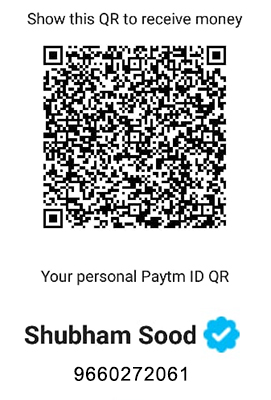
- 👉 Scan the QR Code shown below and pay your respective amount to that account.
- 👉 Fill the transaction details below.
- 👉 Transaction ID: An ID provided by PayTm when you'll pay on that QR Code.
- 👉 Amount Paid: The amount to be paid.
- 👉 Unique Code: Unique Code received by you through email or text message when registering for an event.
- 👉 You will be contacted by our team on successful payment.
- ● While paying through Cash:
- 👉 Select Cash option under Enter Transaction Details.
- 👉 Approach any of the Abhivarta registration desks in Manipal University Jaipur.
- 👉 Pay your respective amount through cash.
- 👉 Do not forget to ask for the cash receipt.
- 👉 Show the receipt on the day of the event for entry.